
Money
Sponsors
Thank the businesses and people backing your Events, with their logos on the Event page.
Included
Included with StewardStack: your administrators install it themselves.
What it does
- Per Event. Switched on only for the Events that have sponsors.
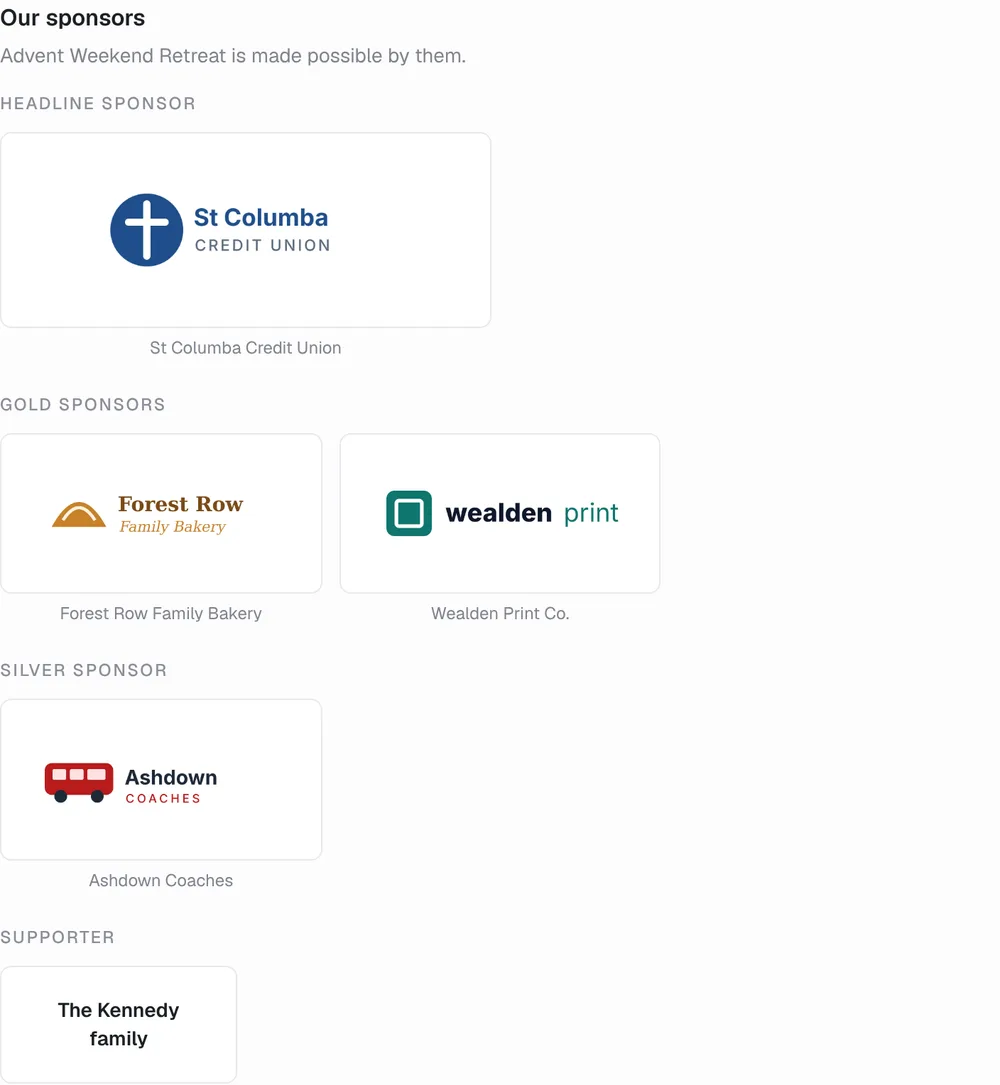
- On the Event page. Logos by level, linking to each sponsor.
- Team notes. What was agreed and who to thank, never public.
About Sponsors
Keep each Event's sponsors in one place: their name, logo, website and level, from a headline sponsor down to supporters, with your team's own notes on what was agreed.
Switch Sponsors on for the Events that have them in each Event's Settings › Features. Their logos then show on the Event's public page, biggest first by level and linking to their websites, and anyone you'd rather not name stays off it.
Where you’ll find it
Once it’s installed, it adds these pages to StewardStack:
- Events
More apps & integrations
See them allSee Sponsors in StewardStack.
Book a demo and we’ll show you Sponsors working with your own Events, people and records.