
Everything your ministry runs on, in one calm place.

Plan Events, organise your team and keep safeguarding records ready, without the weekly admin scramble.

Dear friend,

We didn't set out to build software. We help run retreats, conferences, prayer meetings, camps and outreach ourselves, and we kept drowning in the paperwork behind them. We were chasing the same people week after week.

Every Event meant the same scramble: collecting , making the right , checking the , digging out and , and getting ready before anyone arrived.

So we built StewardStack for ourselves first. It keeps and together, helps you plan , open , run on the day, and keep clear from registration to attendance. If something happens, stay with the Event instead of disappearing into an inbox.

The money side belongs in the same story too: , , and connect back to the people and Events you already know.

This isn't built for a problem we've only read about. We do this work too. StewardStack gives us the confidence we want it to give you too: knowing the checks are done, the records are together and nothing important has been quietly forgotten.

Come and try it.

By Daniel P & John J

Co-founders, StewardStack

Meet the people behind StewardStack.

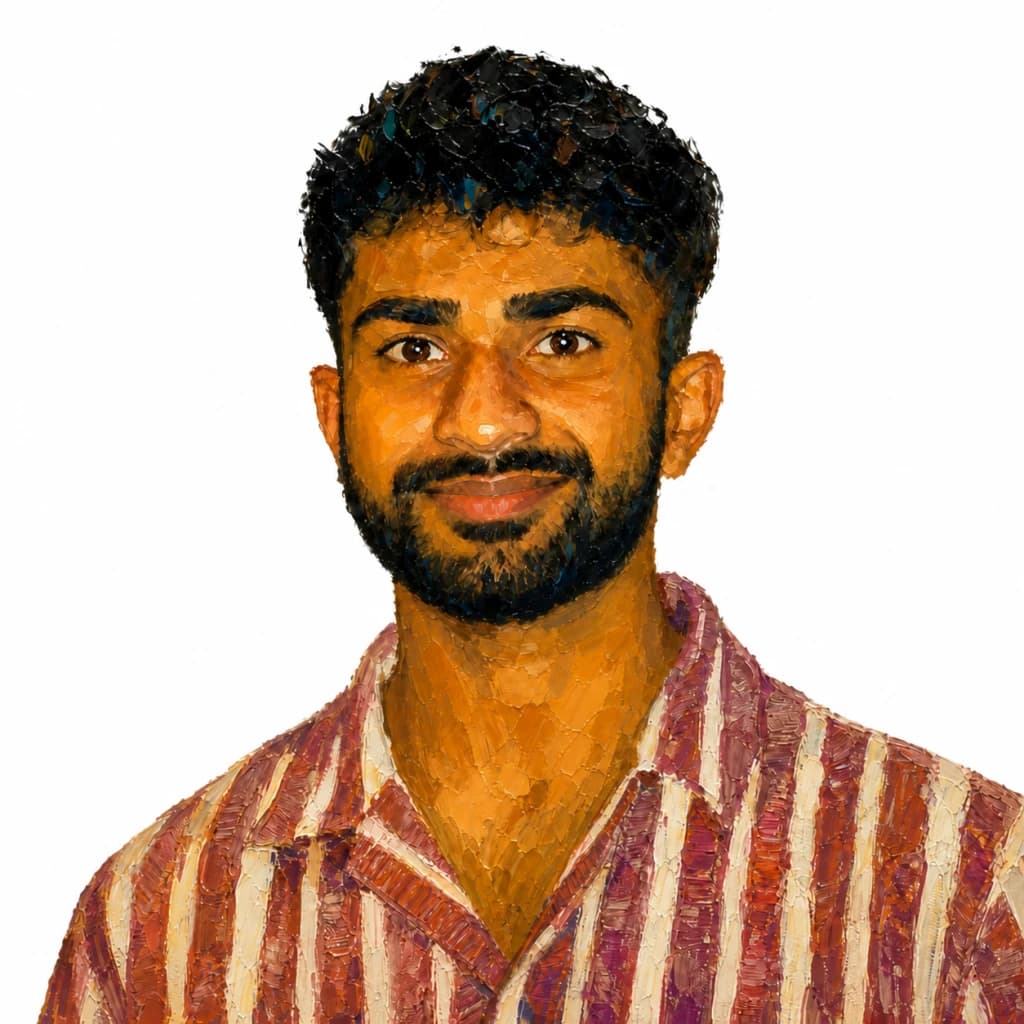
Daniel and John built StewardStack from inside ministry, combining hands-on leadership with years of experience creating dependable software for complex work.

Daniel Paul

Co-founder & CTO

An exited founder who built and sold his last SaaS company. Years of shipping large, compliance-heavy products that are built properly and look great. He also runs a product agency, and sits on ministry leadership teams.

John Joseph

Co-founder & Engineer

A fast-growing engineer with a lot of passion and energy. His superpower is being young with time to give — unlike Daniel, who has a wife and kids to support — so the platform gets the hours it needs.

Features

StewardStack is a platform that helps you manage your ministry.

Parental consents

Collect parental consent before an Event and keep every response linked to the right participant.

  • See what has been returned
  • Keep consent with the Event
  • Spot gaps before the day

Event assignments

Assign team members to an Event and see the people, roles and safeguarding information together.

  • Assign team members
  • Match people to roles
  • See cover at a glance

Required checks

Make the checks required for each role clear, then see who is ready and who still needs attention.

  • Requirements by role
  • Clear readiness status
  • Missing checks highlighted

DBS checks

Record DBS details securely, follow progress and keep renewals from slipping through the cracks.

  • Encrypted certificate numbers
  • Clear check status
  • Renewal dates in view

Reference checks

Send reference requests by email and collect responses through a secure link without asking referees to create an account.

  • Secure public links
  • Invite and reminder emails
  • Responses kept with the record

Risk assessments

Keep the Event risk assessment with the operational record so it is easy to review before people arrive.

  • One record per Event
  • Review before the day
  • Ready when an auditor asks

Team management

Keep each team member's role, contact details and safeguarding record in one dependable place.

  • Searchable team roster
  • Roles and details together
  • Import existing lists

Safeguarding

Bring DBS and reference records together so safeguarding leads can see what is complete and what needs action.

  • Checks in one view
  • Sensitive data protected
  • Clear evidence when needed

Events

Plan online and in-person Events, move them from Draft to Scheduled, and keep assignments organised.

  • Draft and Scheduled states
  • Online or in-person
  • Team assignments included

Event registrations

Collect the details you need when people register and keep the attendee list connected to the Event.

  • Public registration
  • Capacity in view
  • Attendee details captured

Check-in and check-out

Record arrivals and departures on the day so the live attendance record stays accurate.

  • Fast arrival tracking
  • Live on-site list
  • Arrival and departure times

Participant tracking

Follow each participant from registration to attendance without rebuilding the list in another spreadsheet.

  • Registration status
  • Attendance history
  • Filter and export lists

Incident reports

Keep incident details and follow-up against the relevant Event so there is a clear record of what happened next.

  • Linked to the Event
  • Follow-up actions recorded
  • Clear report history

Ticket payments

Collect secure card payments for paid Events and keep each payment linked to the registration.

  • Secure card payments
  • Per-ticket pricing
  • Registration reconciliation

Billing

Keep organisation billing simple, with a clear history and no need to chase separate paperwork.

  • Simple monthly billing
  • Clear payment history
  • Everything in one plan

Donations

Keep gifts connected to the people and appeals they belong to, with a clear record for your team.

  • One-off and recurring gifts
  • Donor records connected
  • Receipts kept clear

Gift Aid

Capture declarations and keep the information needed to prepare eligible Gift Aid claims.

  • Declarations on file
  • Eligibility recorded
  • Claim information ready
1 of 1

Frequently asked questions

Clear answers about getting started, moving your records and protecting sensitive information.

Who is StewardStack for?

Churches, charities and Christian organisations that need a simpler way to manage people, Events and safeguarding records.

Can we bring our existing records across?

Yes. You can import your current team list from CSV and continue building each person's record from there.

How is sensitive data handled?

Sensitive details such as DBS certificate numbers are encrypted at rest, while organisation access keeps records separated.

What can we manage in StewardStack?

You can keep team members, Events, Event Assignments, safeguarding checks, parental consents and operational records together in one place.

Can we manage both Online and In-Person Events?

Yes. Events can be Online or In-Person, with the relevant call link or physical location kept alongside the Event details.

Can we see who is ready for an Event?

Yes. Required checks, Event Assignments and safeguarding information stay connected, making missing information easier to spot before the day.

Do referees need a StewardStack account?

No. Reference requests are sent by email and referees can respond through a secure link without creating an account.

Can we track DBS renewals and missing checks?

Yes. Check statuses and renewal dates remain visible so safeguarding leads can see what is complete and what needs attention.